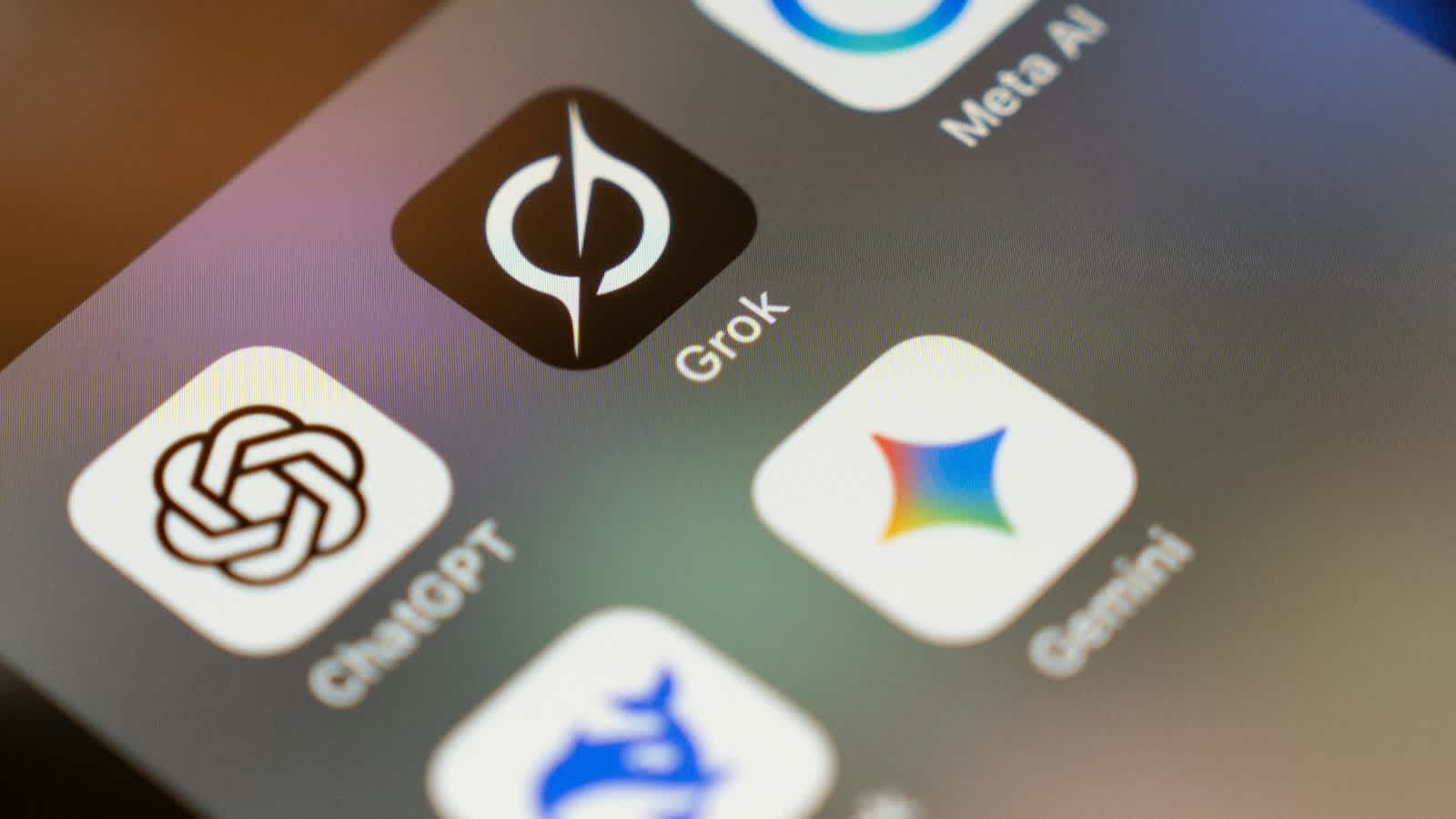

Artificial intelligence is no longer just a trend—it has become an essential part of modern workflows. From automating repetitive admin tasks to organizing complex project schedules, AI productivity tools are transforming how professionals, students, and creators work every day.
With hundreds of new applications hitting the market, finding the right software can be overwhelming. To save you time, we have tested and curated a list of the 7 best AI productivity tools you need to try in 2026 to work smarter, save hours, and boost your daily output.
1. ChatGPT (OpenAI) – Best All-in-One AI Assistant
ChatGPT remains the undisputed leader for multi-purpose AI assistance. Powered by advanced multimodal capabilities, it handles complex reasoning, content writing, basic coding, document analysis, and visual content generation seamlessly.
-
Key Productivity Benefit: Acts as a 24/7 research partner, draft editor, and brainstorming companion.
-
Best Features:
-
Advanced voice mode for natural real-time conversations.
-
Integrated image generation and web search.
-
Extended memory retention across chats for personalized assistance.
-
-
Pricing: Free tier available; Plus plan starts at $20/month.
2. Motion – Best AI-Powered Calendar & Task Manager
If you constantly struggle with time management, Motion is a game-changer. Unlike traditional calendar apps, Motion uses artificial intelligence to automatically build your daily schedule based on your task list, deadlines, and working hours.
-
Key Productivity Benefit: Automatically reshuffles your schedule when unexpected tasks pop up or meetings get rescheduled.
-
Best Features:
-
Auto-prioritizes tasks before deadlines arrive.
-
Blocks time on your calendar for deep work automatically.
-
Merges personal and team calendars into one unified dashboard.
-
-
Pricing: 7-day free trial; individual plans start around $19/month.
3. Notion AI – Best Workspace & Knowledge Management
Notion has evolved from a popular note-taking app into an intelligent knowledge hub. Notion AI sits directly inside your documents and databases, allowing you to search across all your company notes, extract key summaries, and draft project briefs without leaving your page.
-
Key Productivity Benefit: Eliminates time spent searching through messy folders and long document threads.
-
Best Features:
-
Q&A feature to ask questions about any document stored in your workspace.
-
Automated table generation and project data extraction.
-
Instant action-item generation from meeting notes.
-
-
Pricing: Add-on available for $8–$10/user/month on top of Notion workspace plans.
4. Perplexity AI – Best AI Search Engine for Research
Traditional web searches often require clicking through dozens of ad-cluttered links to find a straightforward answer. Perplexity AI functions as a direct answer engine, delivering structured, up-to-date answers accompanied by real-time source citations.
-
Key Productivity Benefit: Reduces academic and market research time by over 50%.
-
Best Features:
-
Live web indexing with verified footnote citations.
-
Deep Search mode for analyzing long papers and technical documents.
-
Collections feature to group research topics together logically.
-
-
Pricing: Free basic version; Pro subscription costs $20/month.
5. Fireflies.ai – Best AI Meeting Assistant
Spending hours taking notes during Zoom or Teams meetings hurts active participation. Fireflies.ai joins your virtual meetings, records audio, generates accurate transcripts, and provides structured summaries with clear action items.
-
Key Productivity Benefit: Removes manual note-taking friction and keeps remote teams aligned.
-
Best Features:
-
Speaker identification and topic tracking.
-
Integration with Slack, Notion, Asana, and CRM platforms.
-
Searchable audio transcripts with sentiment analysis.
-
-
Pricing: Free tier available; paid plans start at $10/user/month.
6. Claude (Anthropic) – Best for Deep Analysis & Complex Writing
Claude is widely recognized for its natural tone, exceptional reasoning, and ability to process massive amounts of text at once. Whether you need to analyze a 100-page PDF report, debug long code snippets, or write nuanced long-form essays, Claude excels at heavy lifting.
-
Key Productivity Benefit: Handles massive text context windows without hallucinating critical facts.
-
Best Features:
-
Interactive "Artifacts" window for side-by-side editing of code and text.
-
Industry-leading document reading and synthesis capabilities.
-
Highly human-like, non-robotic writing style.
-
-
Pricing: Free basic access; Claude Pro costs $20/month.
7. Zapier AI Copilot – Best for Workflow Automation
Connecting different software tools together manually wastes endless hours. Zapier AI Copilot allows you to build complex automated workflows between 6,000+ business apps simply by describing what you want in natural language.
-
Key Productivity Benefit: Automates multi-step cross-app routines without writing a single line of code.
-
Best Features:
-
Conversational automation builder ("When a lead fills out my form, email them and add to Google Sheets").
-
Built-in AI filters to format and classify data mid-workflow.
-
Instant error troubleshooting guided by AI.
-
-
Pricing: Free plan available for basic automation; starter plans begin at $19.99/month.
Feature Comparison Table
| Tool Name | Primary Function | Best For | Free Tier Available? |
| ChatGPT | Multimodal AI Assistant | General tasks, writing & coding | Yes |
| Motion | Smart Scheduling | Calendar & priority task planning | Free Trial |
| Notion AI | Workspace Assistant | Notes, documentation & wiki lookup | Limited |
| Perplexity AI | AI Search Engine | Cited research & fact-finding | Yes |
| Fireflies.ai | Meeting Transcriber | Meeting summaries & action items | Yes |
| Claude | Deep Reasoning AI | Document analysis & editing | Yes |
| Zapier Copilot | Workflow Automation | Linking multi-app workflows | Yes |
Final Words: How to Choose the Right AI Tools
You don't need all 7 tools to transform your workday. Start by identifying your biggest productivity bottleneck:
-
If meetings take over your day, start with Fireflies.ai.
-
If scheduling and time management are chaotic, try Motion.
-
If research takes hours, switch to Perplexity AI.
Adopting just two of these software solutions can easily reclaim 5 to 10 hours of wasted time every single week.
Frequently asked questions
Are these AI productivity tools free to use?+
Most tools on this list (including ChatGPT, Perplexity, Claude, Fireflies, and Zapier) offer functional free tiers. Paid plans unlock higher usage limits and advanced features.
Will AI tools replace my daily job?+
No. AI productivity tools are designed to augment your skills by taking care of repetitive admin work, allowing you to focus on strategy, creativity, and high-level decision-making.